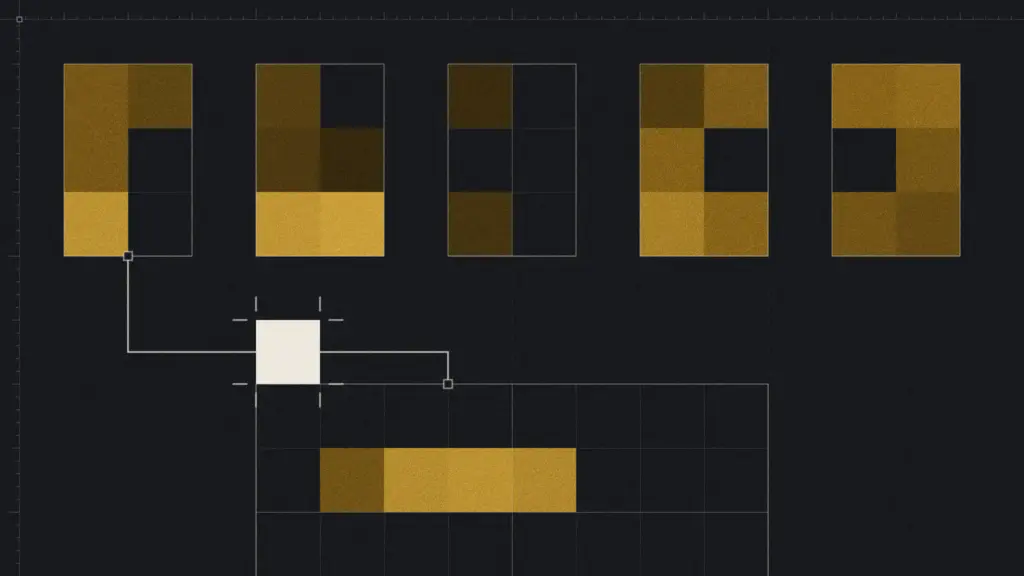
The Front panel is Delta’s interface for working with a connected agent from your WordPress website. Its Sketchbook holds boards with HTML, CSS and optional JavaScript. Boards use your site’s design system, and they can hold their own trial values while you explore an idea. Only signed-in users see boards in the Front panel.
1. Explore layout/design variations
Suppose your homepage introduction feels too busy. Ask your agent to put three versions on a board: one led by a short headline, one with a larger image, and one that gives more room to the explanation.
Keep the content similar so you can focus on the layout. Compare the hierarchy and spacing, choose the direction you prefer, then ask for a specific adjustment. You could say, “Bring this section onto a board and show three layout variations using our existing styles.”
A board can also hold trial design values, such as a different palette or font. Those values stay on the board until you choose to apply them to the website. That gives you room to explore without changing the whole site.
2. Build an interactive dashboard of your site’s plugins data
A board can bring useful information into one interactive dashboard. Depending on the data your site makes available, you could look at recent orders, upcoming bookings, enquiries or an overview of your content.
Start with a question you want answered. A shop owner may want to check sales and stock. A service business may want bookings beside new enquiries. Your agent can look at your setup and suggest what could fit on one board.
Delta’s SEO dashboard is one example. It requests published-content totals from WordPress, Google Analytics 4 and Search Console through Site Kit. It fetches the figures when the board loads. Each card shows its own note if its data is not available, so you can see what is missing.
3. Create a style guide
A style-guide board could show your colours, headings, body text, links and buttons together. Seeing them in context can make questions easier to answer, such as whether a heading overwhelms the paragraph beneath it, or whether a muted link is too easy to miss.
The agent can build the guide from the active design system, using its named styles. The examples can reflect those shared styles as they change. Any labels or explanations on the board still need to stay accurate.
This could also help when you discuss the design with someone who does not work with CSS. “This is our secondary button” is clearer when the button is visible beside the description. A style-guide board is an idea to try, not a ready-made board included with Delta.
4. Make a component library board
A component library board could show how the site’s visual language comes together in reusable pieces, such as a pricing card, testimonial, navigation item or call to action.
The agent can show examples of existing components, with variations where they exist. Comparing a short card with one that has a longer title may reveal a problem before you use it across several pages.
Treat the board as a visual reference and a place to experiment. Adding a card to a board does not register it as a shared component. If you decide to reuse it, that is a separate change to make with your agent. This kind of board is a proposal, not an existing Delta board.
5. Make something playful
There is also a Snake board. It has a game canvas, a score display and keyboard and touch controls. The canvas reads colours from the site’s design tokens when it starts, with fallback colours if a token is missing.
A small game gives you something different to explore: how the controls respond, how movement feels and what happens when someone pauses or starts again. Boards can include JavaScript for users with the required WordPress permission. Try the board on a staging site before you depend on it.
Share a board with a client
A shared board lets a client see sections, ideas or whole layouts without a change to the live page. Create a share link for the board and send it to the client. Scripts are off on shared boards. Share only what you are happy to show.
Which of these would you try first on a client site? Read the Front panel documentation to learn more. To connect your agent first, see Connect Claude Code to WordPress with Delta’s MCP server.